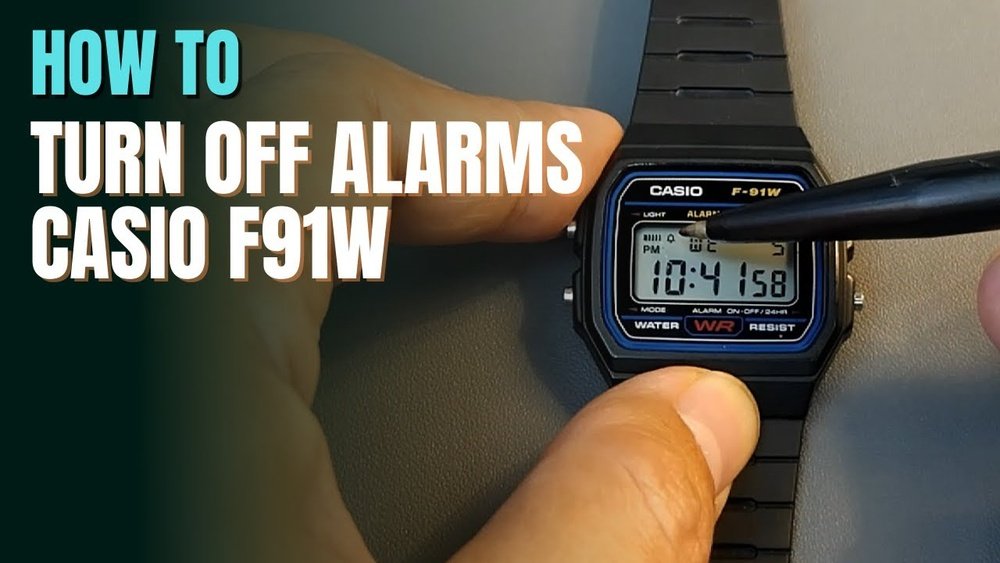
Are you tired of your Casio F91W alarm going off at the wrong time? Maybe you just want a little peace and quiet without the constant beeping.
Turning off the alarm on your Casio F91W is easier than you think. In this guide, you’ll learn exactly how to silence your watch’s alarm quickly and hassle-free. Keep reading, and you’ll never have to deal with unwanted alarm sounds again.
Credit: www.casio.com
Casio F91w Alarm Basics
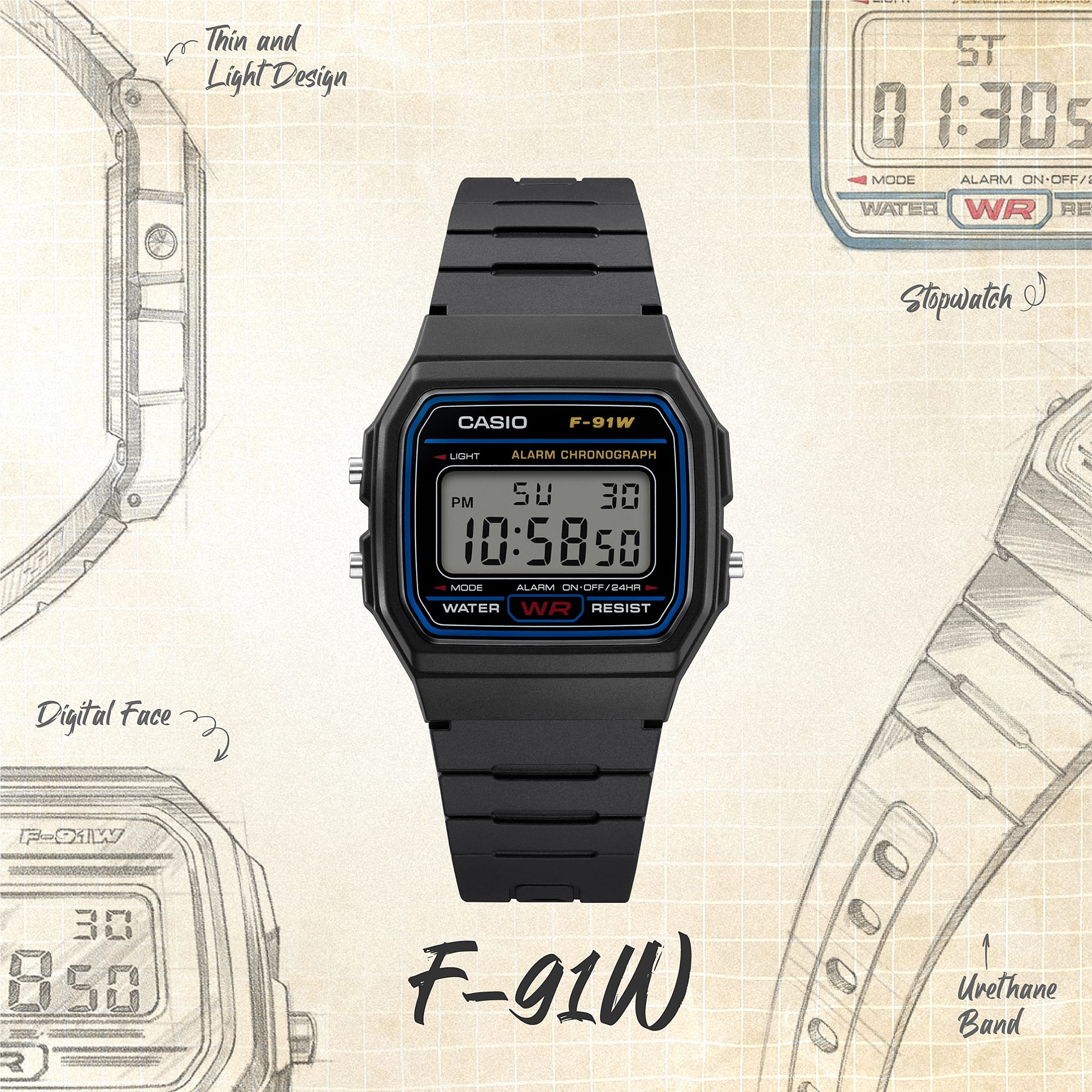
The Casio F91W alarm has simple but useful features. It can be set to beep at a set time every day.
There are two main alarm sound types:
- Beep sound: A short, sharp beep that lasts about 10 seconds.
- Hourly chime: A beep that sounds at the start of every hour.
The alarm sound is loud enough to wake most people. You can choose to use the beep, the chime, or both together.
The alarm will stop automatically after about 20 seconds if you do not turn it off.
Accessing Alarm Mode
The Mode button on the Casio F91W is located on the bottom left side. Press this button to cycle through different screens.
To access the alarm screen, keep pressing the Mode button until the alarm time shows. It looks like a small bell icon on the display.
Once on the alarm screen, you can easily turn the alarm off or adjust settings. The screen shows the alarm time and status clearly.
Turning Off The Alarm
To disable the alarm sound on the Casio F91W, press the Mode button until the alarm screen appears. Then, press the Light button to toggle the alarm ON or OFF. The bell icon disappears when the alarm is off.
For turning off the hourly chime, stay on the alarm screen and press the Start/Stop button. The hourly chime icon (a small wave) will disappear, showing the chime is off.
Press Mode again to return to the main time screen. The alarm and chime will stay off until you turn them back on.
Credit: www.ebay.com
Confirming Alarm Status
The Casio F91W watch shows the alarm status with icons on the screen. A small bell icon means the alarm is on. A sound wave icon means the hourly chime is active. Both icons appear when both features are on.
To turn off the alarm, first check if the bell icon is visible. Press the button on the bottom left until the alarm screen shows. Then, press the button on the bottom right to toggle the alarm off. The bell icon will disappear.
Test the alarm by setting it a minute ahead of the current time. Wait to hear if the alarm sounds. If no sound plays, the alarm is off. This ensures the alarm is deactivated properly.
Troubleshooting Alarm Issues
Sometimes the alarm on the Casio F91W keeps ringing even after turning it off. This can happen due to a small software glitch. A quick way to fix this is by resetting the watch.
To reset, press and hold the top right button for about 5 seconds. The screen will clear or flash, showing the watch has reset. This action stops all alarms and clears any settings, including the current time.
After resetting, you will need to set the time again. Also, turn the alarm on or off as needed. This simple step often solves the alarm issue without needing further help.

Credit: www.youtube.com
Tips For Managing Alarms
The Casio F91W lets you set multiple alarms easily. Use the alarm mode to add more than one alarm time. Each alarm can be turned on or off separately. This helps you stay organized throughout the day.
Alarms are great for reminders. Use them to remember tasks like taking medicine or attending meetings. You can set alarms to beep daily or just once. This flexibility makes the watch very useful.
Frequently Asked Questions
How Do I Disable The Alarm On Casio F91w?
Press the “Alarm” button until the alarm time appears. Then, press the “Light” button to toggle the alarm off. The alarm indicator will disappear, confirming the alarm is disabled.
Can I Mute The Hourly Chime On Casio F91w?
Yes, press the “Mode” button until you see the hourly chime symbol. Then press the “Light” button to toggle the chime off. This stops the hourly beep sound.
What Does The Alarm Icon On Casio F91w Mean?
The alarm icon indicates the alarm is active. When visible, the watch will beep at the set alarm time. To turn it off, follow the alarm disabling steps.
How To Stop Casio F91w Alarm Once It Rings?
Press any button like “Mode” or “Light” to stop the alarm sound immediately. This silences the alarm but does not disable it.
Conclusion
Turning off the alarm on your Casio F91W is quick and simple. Just follow the easy steps shared above. This helps avoid unwanted sounds during your day or night. Now, you can enjoy your watch without disturbance. Keep your Casio F91W working the way you want.
Feel free to try these steps anytime you need. No more confusion or stress about the alarm. Your watch, your control.