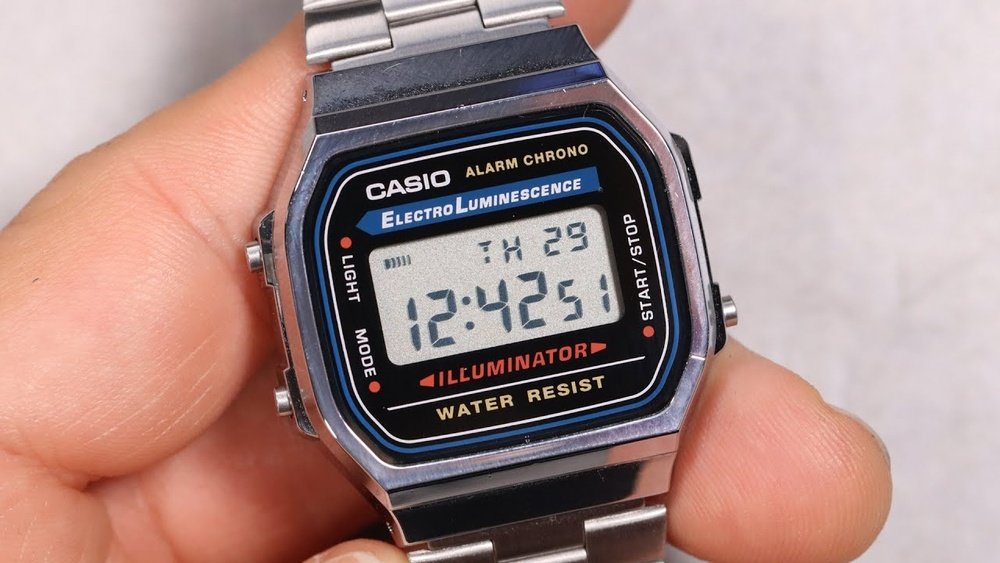
Setting up your Casio Illuminator watch might seem tricky at first, but it doesn’t have to be. You want your watch to show the right time, date, and maybe even use its cool features like the backlight or alarms.
Imagine never fumbling with confusing buttons again. In this guide, you’ll get simple, step-by-step instructions that anyone can follow. By the end, your Casio Illuminator will be perfectly set, ready to keep you on time no matter where you are.
Keep reading, and you’ll master your watch in minutes.
Casio Illuminator Watch Features
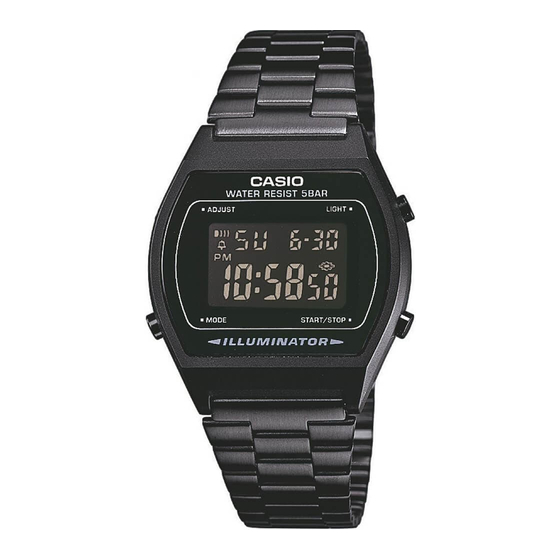
The Casio Illuminator watch has several important features. It shows the time, date, and day on the display. The backlight helps you see the screen in the dark. There are usually four buttons around the case. Each button has a special function.
The Mode button changes between time, alarm, stopwatch, and timer. The Adjust button is used to set time or alarms. The Start/Stop button works with the stopwatch and timer. The Light button turns on the backlight.
| Button | Function |
|---|---|
| Mode | Switch between time, alarm, stopwatch, and timer |
| Adjust | Set the time and alarms |
| Start/Stop | Control stopwatch and timer |
| Light | Turn on the backlight for easy reading |
Preparing To Set The Time
The Mode button is usually on the lower left side of the watch. Pressing this button changes the watch functions. To set the time, press the Mode button several times. Stop when the seconds start flashing. This means the watch is in time setting mode.
In this mode, you can change the seconds, minutes, hours, and other settings. The flashing part shows what you can change now. Use the other buttons to adjust the numbers. The Mode button helps move between settings.
Adjusting The Time
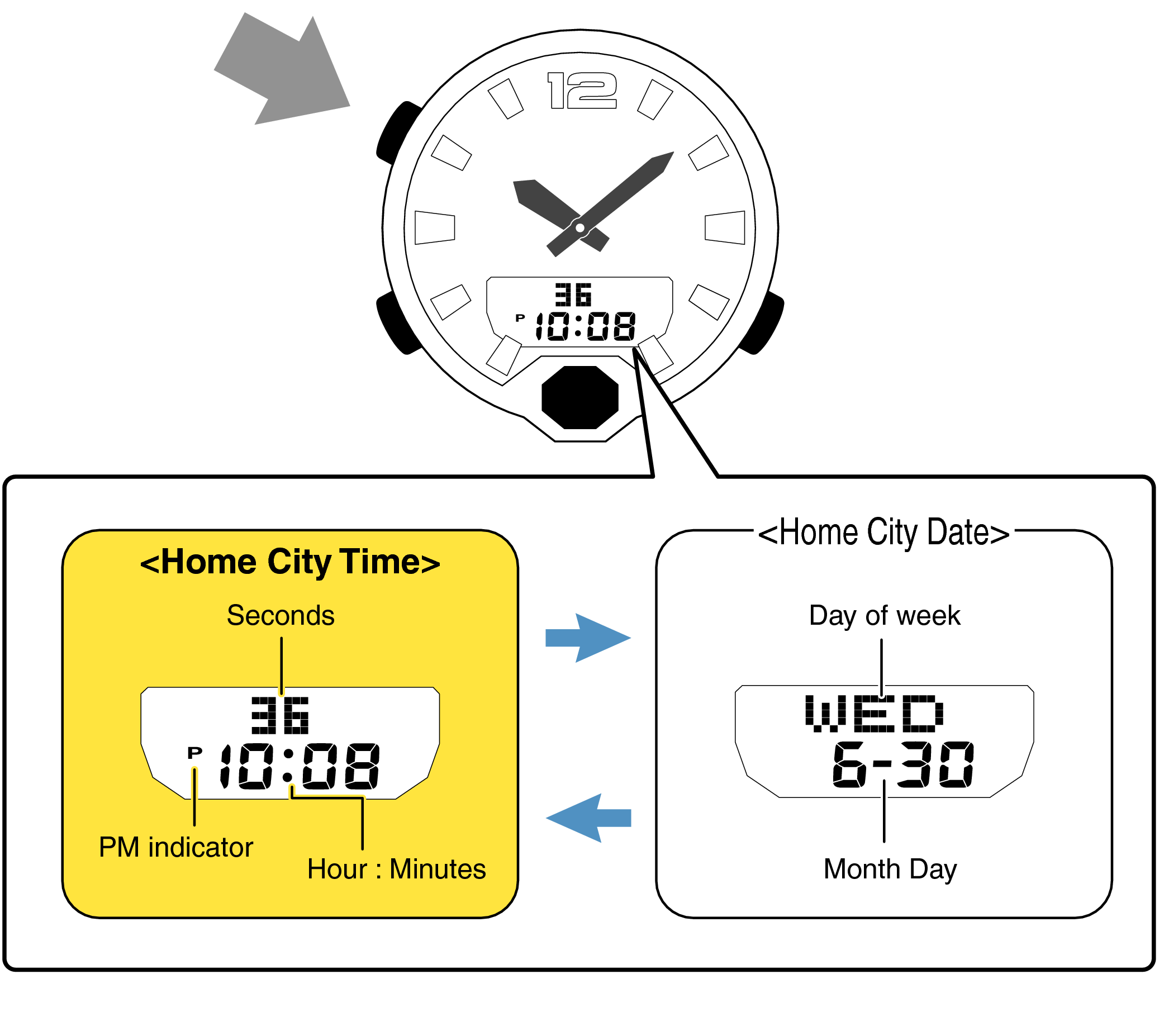
Press the Adjust button until the hour digits blink. Use the Forward or Reverse buttons to set the correct hour. Press the Mode button to move to minutes. Adjust the minutes the same way. Press Adjust to save the time.
To change between AM/PM or 24-hour format, press the Mode button until the time format blinks. Use the Forward button to switch formats. Press Adjust to confirm your choice. In 12-hour mode, watch shows AM or PM next to time.
Credit: samarthyaclasses.com
Setting The Date And Day
To adjust the month, press the Mode button until the month starts blinking. Use the Adjust button to change the month number. Each press moves the month forward by one. Keep pressing until the correct month appears. The watch counts months from 1 to 12.
Selecting the day requires pressing the Mode button again. The day will blink on the screen. Use the Adjust button to set the right day. The days go from 1 to 31 depending on the month. Make sure to set the day correctly for accurate date keeping.
Fine-tuning Additional Settings
Setting the seconds on a Casio Illuminator watch is simple. Press the mode button until the time screen appears. Hold the adjust button until the seconds start flashing. Use the forward button to reset seconds to zero. Press the adjust button again to save.
Adjusting the alarm requires entering the alarm mode by pressing the mode button. Use the adjust button to select the alarm you want to change. Press and hold adjust until the hour digits flash. Use forward and reverse buttons to set the hour and minutes. Press adjust to save your changes.
For the stopwatch, press the mode button to enter stopwatch mode. Use the start/stop button to begin timing. Press it again to stop. Reset by pressing the reset button. Easy to track your time this way.
Credit: www.manualslib.com
Saving And Exiting Settings
Press the Adjust button to save your settings. The watch will beep to confirm the changes. This sound means your new time or date is set.
After saving, the watch returns to Normal Mode. You can now see the time or date on the main screen. To check if settings are correct, look at the display carefully.
If the settings need more changes, press the Mode button to cycle through options again. Repeat until you get the right time and date.
Troubleshooting Common Issues
Watch not responding to buttons often means the watch is in sleep mode. Press and hold the adjust button for a few seconds to wake it up. Check if the buttons are stuck or dirty. Clean them gently with a soft cloth. Sometimes, a battery reset helps. Remove the battery for a minute, then reinsert it. This can fix unresponsive buttons.
Timekeeping inaccuracy can happen due to several reasons. Magnetic fields or strong impacts may affect the watch’s accuracy. Try resetting the time manually. Use the mode button to enter time setting, then adjust using other buttons. If the watch is still slow or fast, the battery might be low. Replace the battery with a new one from a trusted source.

Credit: www.youtube.com
Tips For Maintaining Accurate Time
Check your Casio Illuminator watch time often to keep it accurate. Compare it with a reliable clock or your phone. Adjust the time if you see any difference. This helps prevent your watch from running too fast or too slow.
Change the battery as soon as the light or display dims. A weak battery causes wrong time and stops the watch from working. Use the correct battery type for your model. Visit a watch shop if unsure how to replace it safely.
Frequently Asked Questions
How Do I Set The Time On A Casio Illuminator Watch?
Press the mode button until the time setting screen appears. Use the adjust button to start editing. Use the forward and reverse buttons to change the hour, minute, and other settings. Press the mode button to save and exit.
How Can I Activate The Backlight On A Casio Illuminator?
Press the dedicated light button on the watch’s side. The backlight will illuminate the display for a few seconds. This feature helps to see the time in the dark or low-light conditions.
What Is The Best Way To Set The Date On Casio Watches?
Enter the time setting mode by pressing the mode button. Navigate to the date section using the forward button. Adjust the day, month, and year with the adjust button. Confirm the settings by pressing the mode button again.
Can I Customize Alarms On Casio Illuminator Watches?
Yes, press the mode button to access the alarm mode. Use the adjust button to select the alarm time. Adjust hours and minutes with the forward and reverse buttons. Save settings by pressing the mode button.
Conclusion
Setting your Casio Illuminator watch is simple and quick. Follow the steps carefully to avoid mistakes. Adjust the time and date to match your local zone. Use the light feature for better visibility in the dark. Regularly check the watch settings to keep accurate time.
Enjoy your watch’s features every day with ease. This guide helps you get the most from your Casio Illuminator. Now, you’re ready to use your watch confidently and correctly.