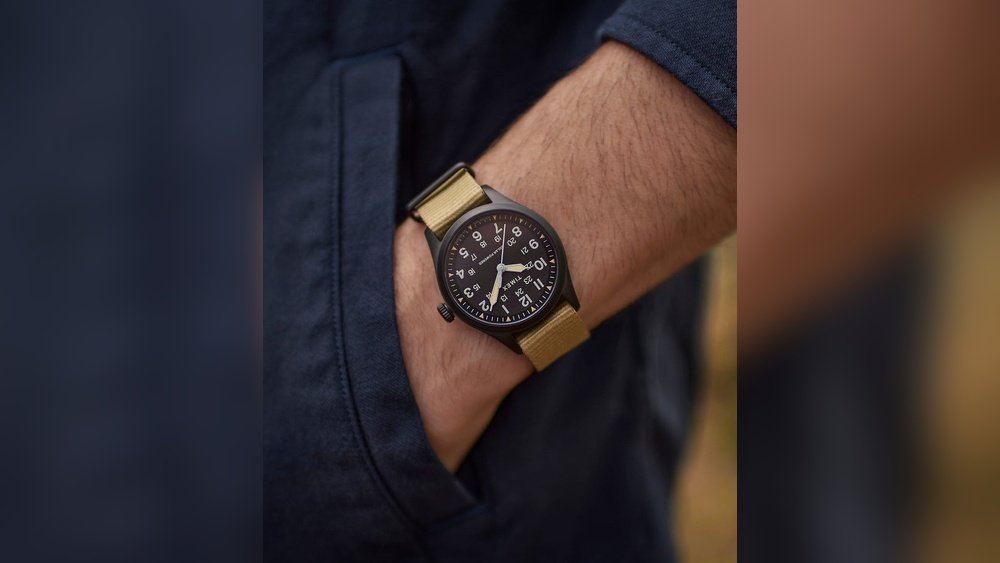
Are you struggling to figure out how to turn on your Timex watch? You’re not alone.
Sometimes, even the simplest gadgets can feel tricky at first. But don’t worry—this guide will walk you through the process step by step. By the end, you’ll have your Timex watch up and running, ready to keep you on time and on track.
Keep reading, and you’ll discover how easy it is to get started with your new watch.
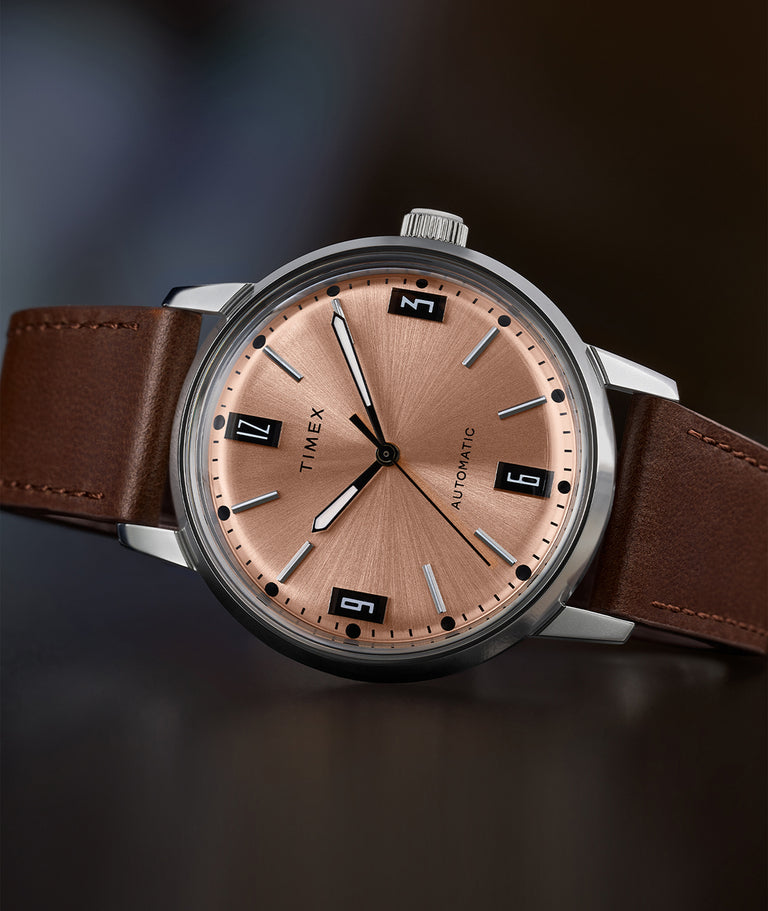
Credit: timex.com
Identify Your Timex Watch Model
Find the model number on the back of your Timex watch. It is usually engraved near the bottom. The number looks like a mix of letters and digits.
Check the watch face for names or codes. Some models show the name or collection right there. This helps narrow down the model quickly.
Look inside the instruction manual or box if you still have them. The model details are often printed on the cover or inside pages.
Use the Timex website or trusted watch sites. Enter the model number or description to find exact details about your watch.
Locate The Crown And Buttons
The crown is a small knob usually found on the right side of the watch. It is used to set the time and date. Some Timex watches have extra buttons around the crown for other functions like a stopwatch or alarm.
Look closely at the watch’s side to spot the crown and buttons. The crown often sticks out more than the buttons. Buttons are smaller and may be flush with the watch case.
Knowing these parts helps in setting your watch correctly. The crown usually pulls out gently to adjust the time. Buttons often press in to start or stop functions.
Set Time On Analog Timex Watches
Start by gently pulling out the crown on your Timex watch. The crown is the small knob on the side of the watch. Pull it out slowly until you feel a click. This action allows you to change the time.
Next, turn the crown clockwise or counterclockwise. Watch the hands move as you turn. Adjust the hands to the correct time. Take your time to set it accurately.
Finally, push the crown back in to its original position. This locks the time in place. The watch will start running again. Be sure the crown is fully pushed in to keep the watch water-resistant.
Set Time On Digital Timex Watches
Press and hold the Mode button for about 3 seconds. The watch will start to flash, showing it is in time-setting mode. Use the Start/Stop button to change the hour. Each press moves the hour by one. Press the Mode button again to move to the minutes.
Change the minutes using the Start/Stop button in the same way. Watch the numbers carefully as they change. When the time is correct, press the Mode button once more to save. The flashing will stop, confirming the time is set.
Set Time On Timex Ironman Watches
Press the Mode button until the watch shows the current time. This is called Time Mode. The watch display will be steady without flashing.
Hold the Set button for two seconds. The hour digits will start flashing, meaning you can change the time now.
- Press the Start/Stop button to increase the hour.
- Press the Split/Reset button to decrease the hour.
- Press the Mode button again to move to minutes.
- Use Start/Stop or Split/Reset to adjust minutes.
After setting hours and minutes, press the Set button once. This will save the time and exit the setting mode.
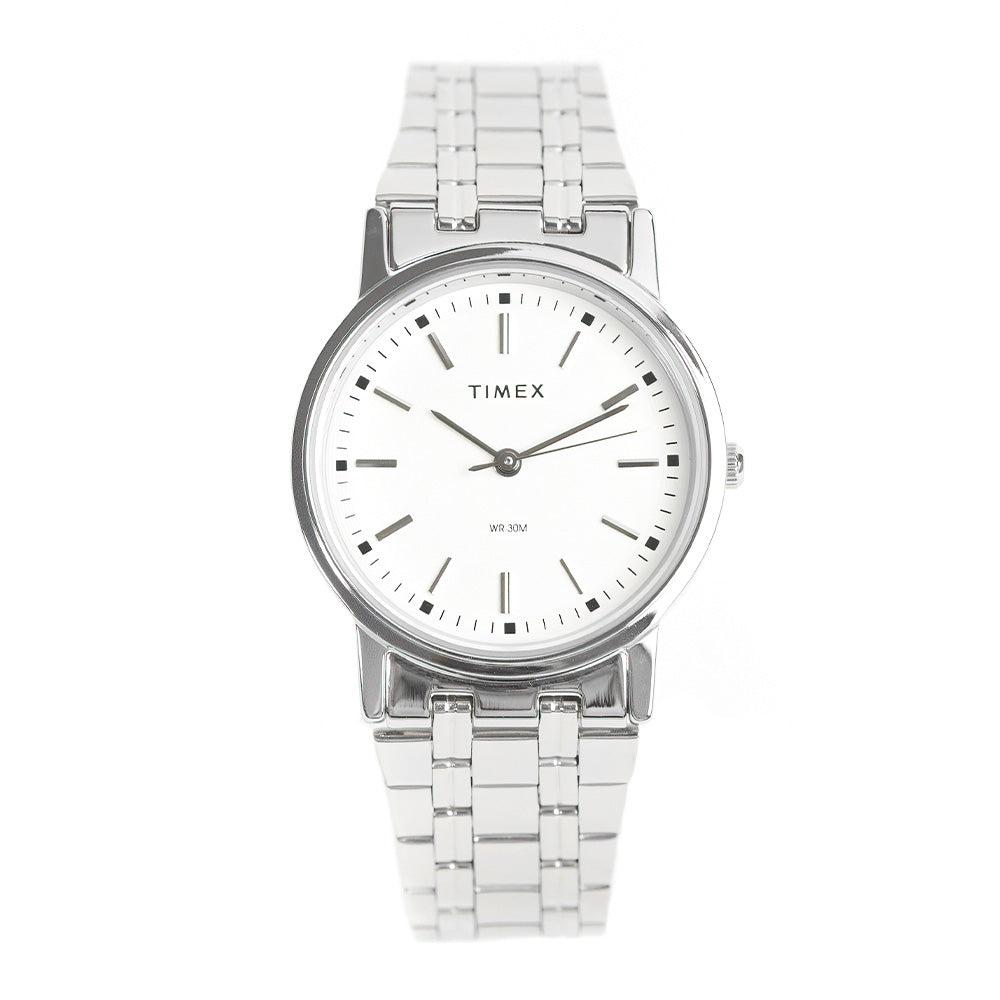
Credit: timex.ph
Troubleshooting Common Issues
Watch Not Responding: First, check the battery. A dead battery often stops the watch. Try pressing the reset button gently if available. Avoid pressing buttons too hard to prevent damage. If the watch still does not respond, visit a service center.
Incorrect Time Display: Make sure the watch is set to the right time zone. Use the manual to set the time correctly. Sometimes, the watch needs to be reset after changing batteries. Double-check the time after adjustments.
Button Malfunctions: Dirt or debris may block the buttons. Clean around buttons with a soft cloth. Avoid using water or harsh chemicals. If a button is stuck, try pressing it gently several times. Persistent issues may need professional repair.
Tips For Maintaining Accurate Time
Check your Timex watch’s time often to keep it accurate. Compare it with a trusted clock or phone. Adjust the watch if it runs slow or fast by using the crown or buttons.
Replace the battery every 1-2 years or when the watch stops. A weak battery can cause time errors. Always use the correct battery type made for your Timex model.
Avoid magnetic fields near your watch. Items like speakers, phones, and magnets can affect the watch’s accuracy. Keep your watch away from such items to prevent time loss or gain.

Credit: vintageradar.com
Frequently Asked Questions
How Do I Set The Time On My Timex Watch?
To set the time, pull out the crown gently until it clicks. Turn the crown to adjust the hands to the correct time. Push the crown back in to start the watch.
How Can I Change The Date On A Timex Watch?
Pull the crown to the first position. Rotate it clockwise or counterclockwise to change the date. Push the crown back in after setting the correct date.
What Should I Do If My Timex Watch Stops Working?
First, check the battery; it might need replacing. If the battery is fine, try resetting the watch by pulling and pushing the crown. Contact Timex support if issues persist.
How Do I Use The Indiglo Feature On A Timex Watch?
Press the crown or the designated button to activate the Indiglo backlight. It illuminates the watch face for easy reading in low light.
Conclusion
Setting your Timex watch is simple and quick. Follow the steps carefully. Adjust the time and date with ease. Use the buttons as explained. Take a moment to check accuracy. Your watch will keep time well. Enjoy wearing your Timex every day.
Stay on schedule without any hassle. Practice a few times to feel confident. A well-set watch helps you stay organized. Keep your Timex running smoothly for years.