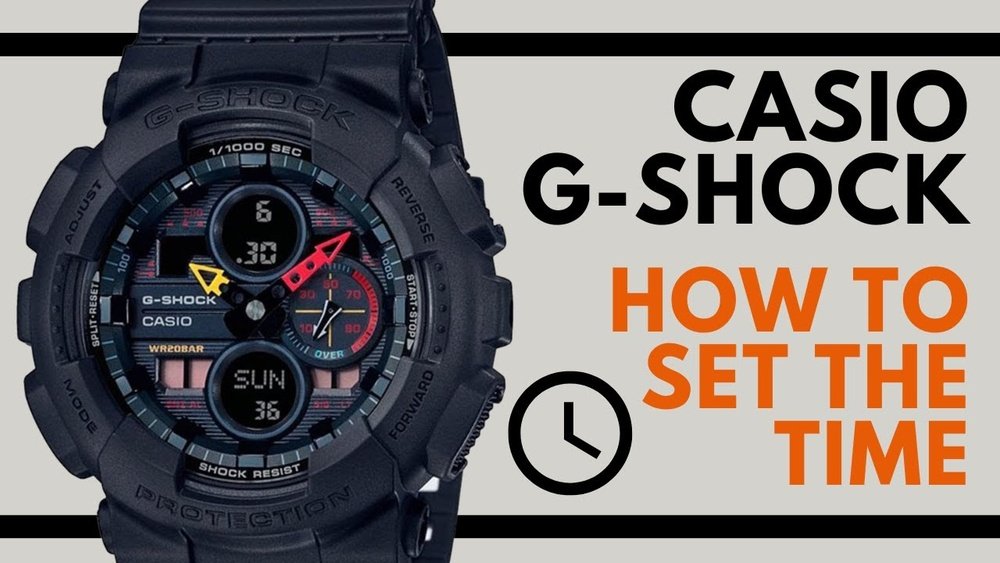
If you own a Casio G-Shock Analog Digital watch, you know it’s built tough and packed with features. But when it comes to adjusting the time, things can feel a bit tricky.
You want your watch to show the exact time, right? Whether you’ve just changed time zones or switched to daylight saving, setting your watch correctly is key. In this guide, you’ll learn simple, step-by-step instructions to adjust the time on your Casio G-Shock quickly and confidently.
No confusing jargon, just clear help so your watch is always spot on. Keep reading—you’ll have your G-Shock perfectly set in no time!
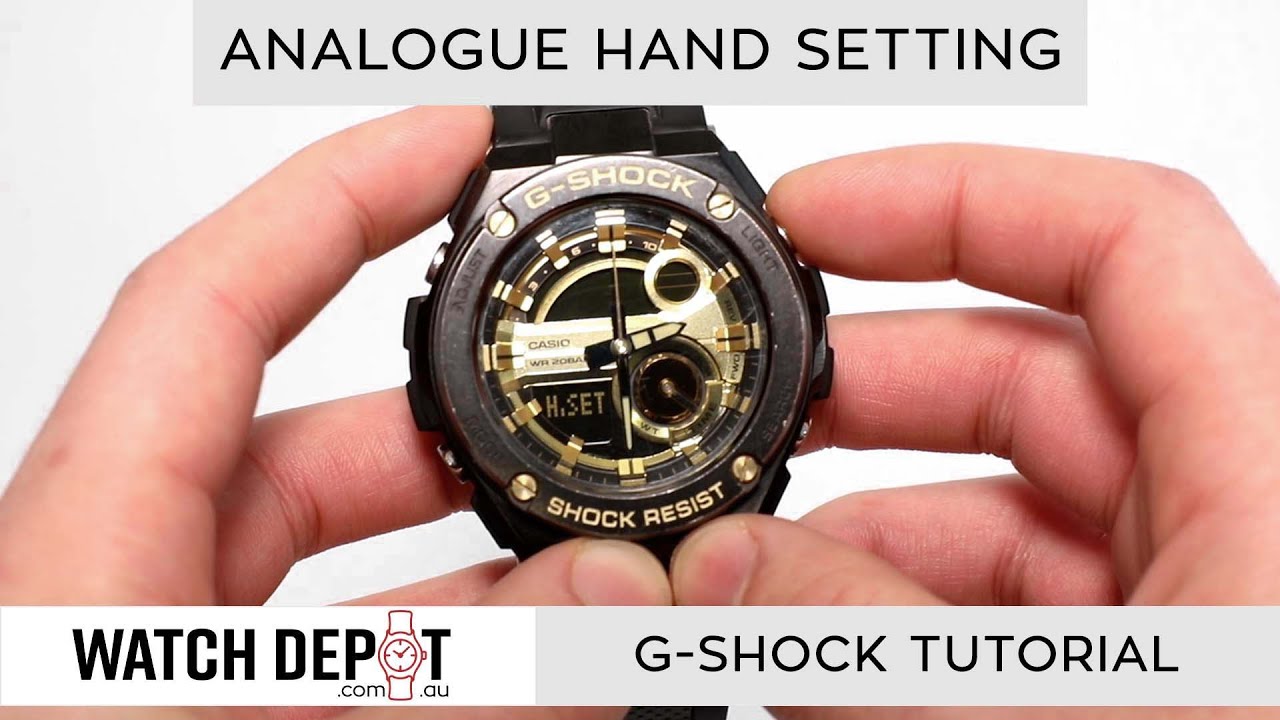
Credit: www.youtube.com
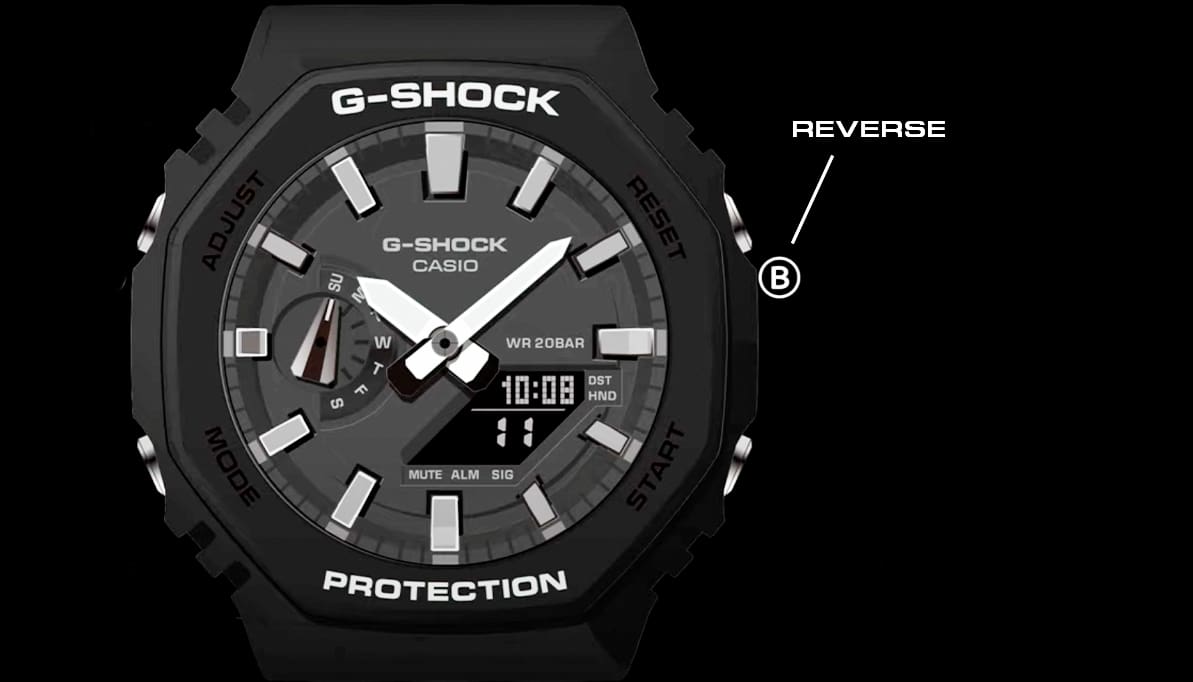
Locate The Buttons
The Mode button is usually on the lower left side. Press it to switch between different settings.
The Adjust button is often at the top left corner. It helps to start or exit the time setting mode.
The Light and Search buttons are on the right side. One turns on the light, the other scrolls through options.
Knowing these buttons helps you easily change the time on your Casio G Shock.

Credit: gshock.casio.com
Enter Time Setting Mode
Press the Adjust button on your Casio G Shock watch. Hold it for about 3 seconds until the time display starts blinking. This blinking means the watch is in time setting mode. You can now change the time and date. Use the other buttons to change the hour, minutes, or seconds. Press the Adjust button again to save your settings. The blinking will stop, showing the new time is set.
Set The Digital Time
Press the Mode button to enter the time setting mode. The hour digits will start flashing. Use the Search button to change the hour. Each press moves the hour forward by one.
After setting the hour, press the Mode button again to select the minute digits. The minutes will flash. Use the Search button to adjust the minutes. Press multiple times to reach the correct time.
Once both hour and minute are set, press the Mode button to save your changes. The watch will return to normal display mode with the new time shown.
Credit: gshock.casio.com
Adjust The Analog Time
To start adjusting the analog time on your Casio G Shock, press and hold the Adjust button until the second hand stops moving. This means the watch is in Hand Adjustment Mode. Use the Forward and Reverse buttons to move the hour and minute hands.
Match the analog hands to the digital time shown on the watch display. Move the hands carefully to the correct hour and minute. Take your time to get it just right.
Once the analog time matches the digital time, press the Adjust button again. This will exit the Hand Adjustment Mode and save your settings. Your watch hands will start moving normally again.
Synchronize Analog And Digital Time
First, check if the analog and digital times match. Look closely at the watch face. The hands and digital numbers should show the same time. If they don’t, adjustments are needed.
To fine-tune the analog hands, press and hold the adjust button until the second hand moves to 12 o’clock. Use the mode button to select the hand adjustment mode. Then, press the forward or reverse button to move the hands forward or backward.
Keep adjusting until the analog hands line up exactly with the digital time. This ensures both times stay synchronized. Press the adjust button again to save the changes and exit the setting mode.
Set Additional Features
Press the Mode button to enter the settings menu. Use the Adjust button to change the date and day. Scroll with the Forward or Reverse buttons to set the correct values.
To switch between 12-hour and 24-hour formats, find the time format setting in the menu. Press the Forward button to toggle between AM/PM and 24-hour display. Confirm by pressing Adjust.
Setting the alarm and timer is simple. Enter the alarm mode using the Mode button. Use the Forward and Reverse buttons to adjust the alarm time. Turn the alarm on or off by pressing the Adjust button. For the timer, navigate to timer mode and set the countdown time similarly.
Tips For Accurate Time Setting
Atomic time signals help keep your Casio G Shock watch very accurate. These signals come from special radio towers and update your watch automatically. Make sure your watch is in a place with good signal. Near windows is usually better than inside a building. This helps your watch sync the time correctly every day.
Battery life affects time accuracy. A weak battery can make the watch run slow or stop. Check the battery often and replace it when needed. This keeps your watch running smoothly. Regular checks save you from wrong time and extra repairs.
Frequently Asked Questions
How Do I Set The Analog Time On Casio G Shock?
Press and hold the adjust button until the digital time flashes. Use the mode button to switch to analog time setting. Use the forward and reverse buttons to set the correct hour and minute hands. Press adjust again to save.
How To Sync Analog And Digital Time On G Shock?
Enter the time setting mode by holding the adjust button. Select the hand setting mode. Adjust the analog hands to match the digital time using the forward/reverse buttons. Confirm by pressing adjust to save the synchronization.
Why Is My Casio G Shock Analog Time Off?
Analog time can drift due to battery changes or magnetic interference. Resync the hands with the digital time using the hand setting mode. Regular adjustments ensure accurate analog display.
Can I Adjust Casio G Shock Time Without The Manual?
Yes, you can adjust time by following button functions: hold adjust to enter settings, mode to switch, and forward/reverse to change values. However, consulting the manual ensures correct steps for your specific model.
Conclusion
Adjusting the time on your Casio G Shock Analog Digital watch is simple. Follow the steps carefully to set the correct time. Take your time and avoid rushing. A properly set watch helps you stay punctual daily. Practice a few times to feel confident.
Now, you can enjoy your watch fully. Keep checking the time settings regularly. This small task saves you from confusion later. Enjoy your accurate and reliable Casio G Shock!