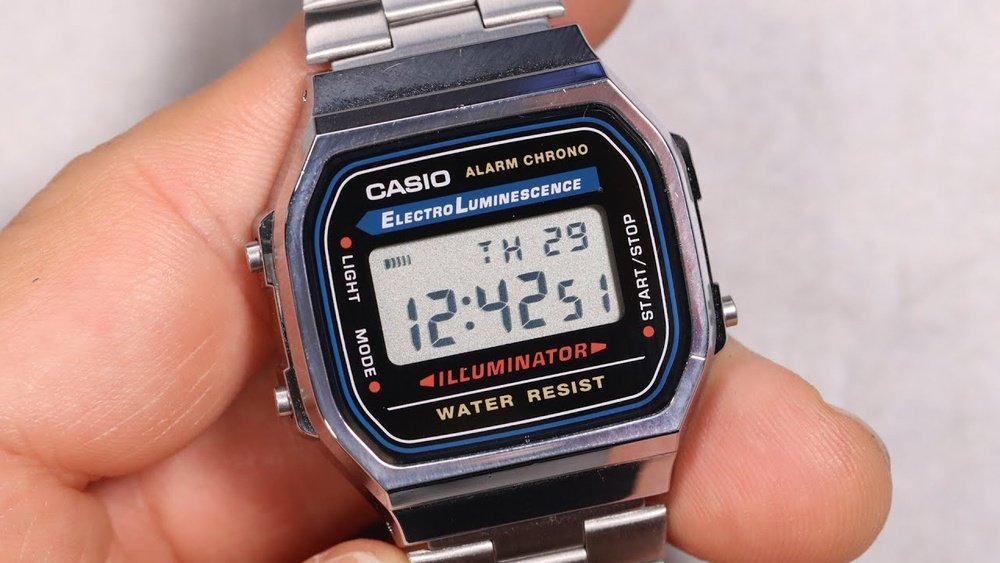
Is your Casio A168 watch showing the wrong time? Changing the time on this classic digital watch might seem tricky at first, but you’re just a few simple steps away from getting it right.
Whether you’ve just bought the watch or need to fix the time after a reset, this guide will walk you through the process quickly and clearly. Keep reading, and you’ll have your Casio A168 perfectly set in no time.
Casio A168 Features
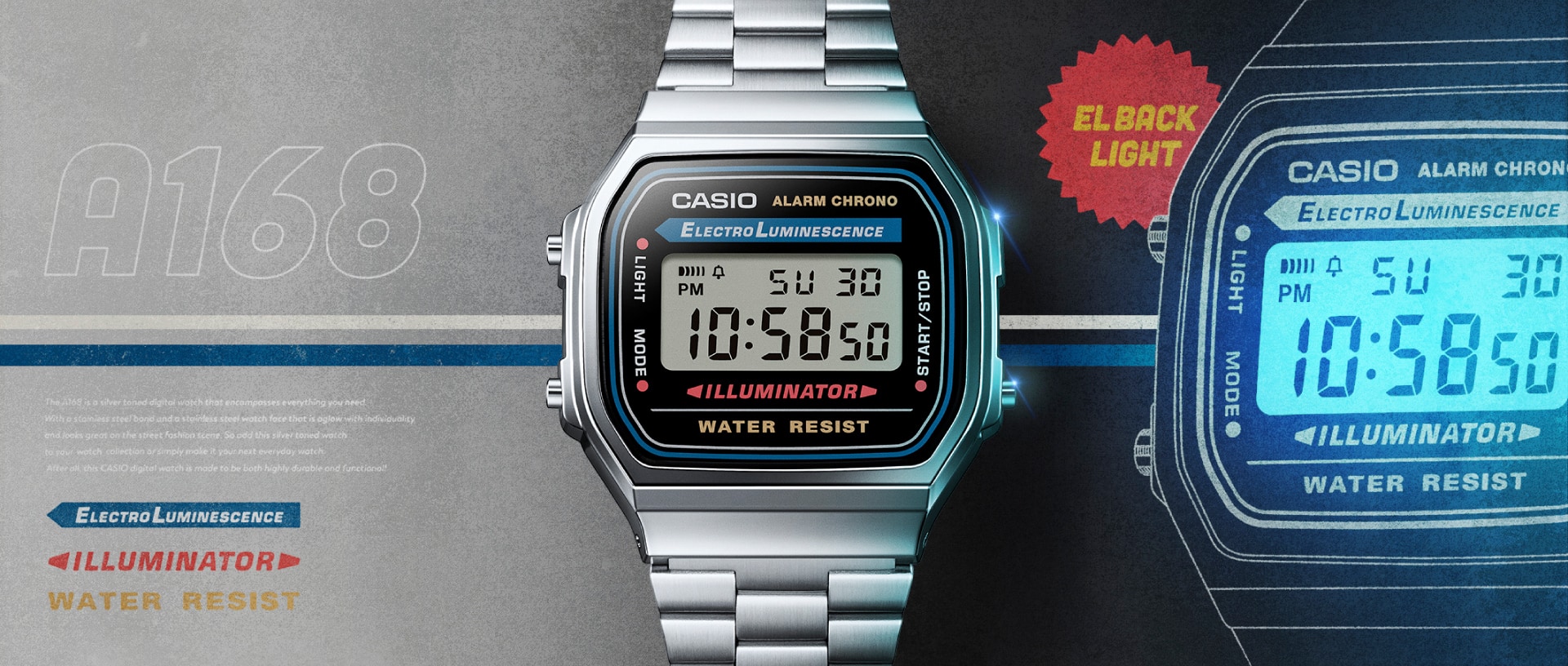
The Casio A168 has a clear and simple digital display. It shows the time, day, and date all at once. The screen uses LCD technology for easy reading in most light conditions.
Key functions include a 12/24-hour format option, a daily alarm, and a stopwatch for timing events. The watch also has an auto-calendar that adjusts for months and leap years.
| Feature | Description |
|---|---|
| Time Display | Hours, minutes, seconds, day, and date |
| Alarm | Daily alarm with on/off switch |
| Stopwatch | Measures elapsed time in seconds and minutes |
| Light | Built-in LED for night visibility |
Credit: www.casio.com
Preparing To Change Time
The Casio A168 watch has four main buttons. Each button helps to change settings quickly. The top left button is called “Adjust.” It is used to start the time-setting mode. The bottom left button is “Mode.” This button lets you switch between different watch modes like time, alarm, and stopwatch.
The top right button is used to increase numbers when setting the time. The bottom right button decreases numbers or moves to the next setting. Knowing these buttons is key to changing the time easily.
| Button | Function |
|---|---|
| Top Left (Adjust) | Enter time-setting mode |
| Bottom Left (Mode) | Switch watch modes (time, alarm, stopwatch) |
| Top Right | Increase numbers or values |
| Bottom Right | Decrease numbers or move to next setting |
Step-by-step Time Setting
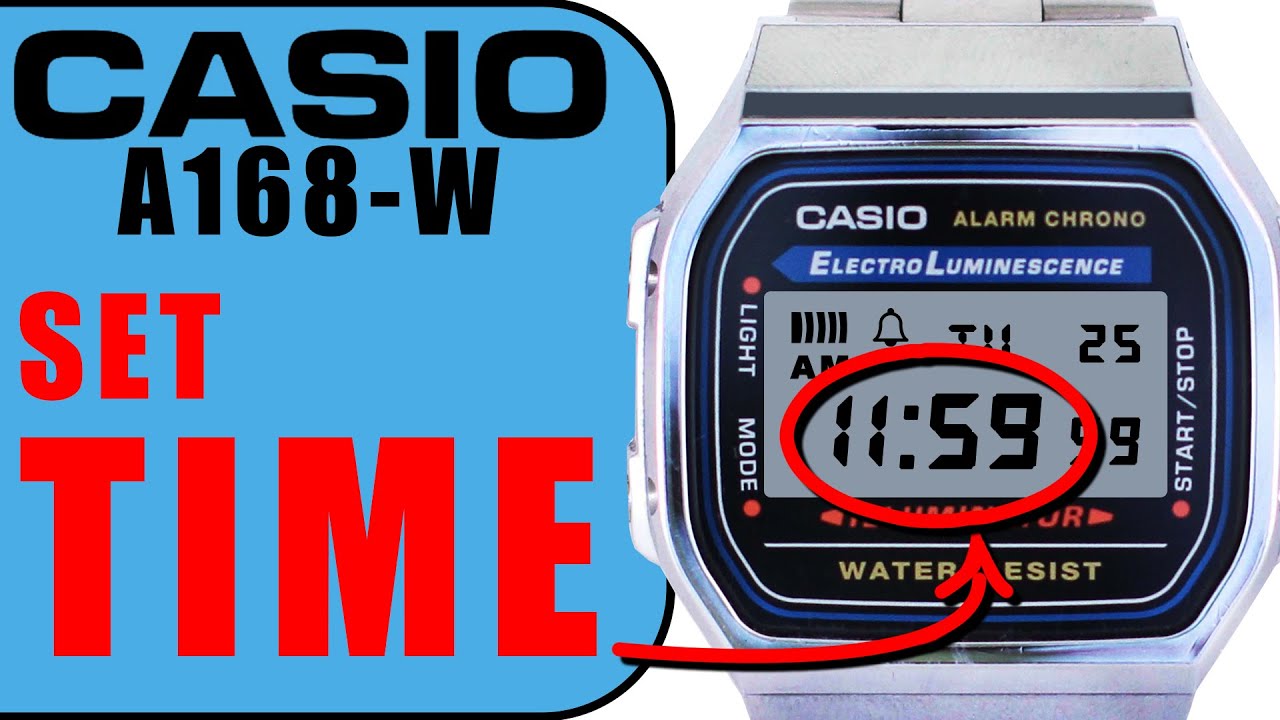
Press the bottom left button (usually labeled “Mode”) to enter the time setting mode. Hold it for a few seconds until the seconds start flashing. This means you are now in the time adjustment mode.
Press the top right button to reset the seconds to zero. Then, press the bottom left button again to move to the hours setting. Use the top right button to increase the hour. Press the bottom left button to switch to minutes. Adjust the minutes by pressing the top right button.
After setting the minutes, press the bottom left button again to set the date. Use the top right button to change the day, month, and year. Press bottom left button to move between these. Finish by pressing the bottom left button until the watch returns to normal time display.
Credit: www.youtube.com
Switching Between 12/24 Hour Format
Press the Mode button until the time screen shows. Hold the Adjust button for a few seconds. The seconds will start flashing. Press the Mode button again to move to the hour setting.
To switch between 12-hour and 24-hour formats, press the Light or Start/Stop button. The watch will toggle between the two time formats. In 12-hour mode, the watch shows AM or PM. In 24-hour mode, it shows hours from 00 to 23.
Once the desired format is set, press the Adjust button to save and exit the setting. The display now shows your chosen time format.
Common Issues And Fixes
Watch not responding can happen if buttons get stuck or dirty. Try cleaning around the buttons gently with a soft cloth. Press each button a few times to see if it moves freely. If the watch still does not respond, the battery might be low. Replacing the battery often solves this issue.
Time not saving usually means the watch is not in the right mode before setting time. Make sure to press the Mode button until the time digits start flashing. Only then, use buttons to change hours and minutes. After adjusting, press the Mode or Adjust button to save the time. Not saving happens if you skip this step.
Maintaining Your Casio A168
Battery life matters a lot for your Casio A168 watch. Avoid leaving the watch unused for a long time. This can drain the battery faster. Keep the watch away from strong magnets and extreme temperatures. Both can harm the battery and the watch’s parts.
Check your watch battery every year. Change it if the time starts to lag or the display dims. Use only the recommended battery type to keep the watch working well.
Store the watch in a dry place. Moisture can cause damage inside the watch. Clean the watch gently with a soft cloth. Avoid using water or harsh chemicals that can harm the surface.

Credit: www.ebay.com
Frequently Asked Questions
How Do I Set The Time On Casio A168?
Press the mode button to enter time-setting mode. Use the adjust button to select hours or minutes. Press the forward button to change the time. Confirm by pressing the mode button again.
Can I Switch Between 12-hour And 24-hour Formats?
Yes, press the mode button to reach time settings. Use the adjust button to toggle between 12-hour and 24-hour formats. The watch will display the selected format immediately.
How To Adjust Seconds On Casio A168 Watch?
Enter time-setting mode by pressing the mode button. When seconds flash, press the forward button to reset to zero. Press mode again to save and exit.
What If My Casio A168 Isn’t Changing Time?
Ensure you are in time-setting mode by pressing mode repeatedly. Press and hold the adjust button until digits flash. Use forward to change values. If it still fails, check the battery.
Conclusion
Changing the time on your Casio A168 is quick and simple. Just follow the steps carefully. You can set the correct time in a few minutes. This helps keep your watch accurate every day. Regularly checking the time settings saves you from confusion.
Now, you can enjoy your watch without any hassle. Practice a couple of times to feel confident. Your Casio A168 will always show the right time. Easy to do, and useful for daily life.