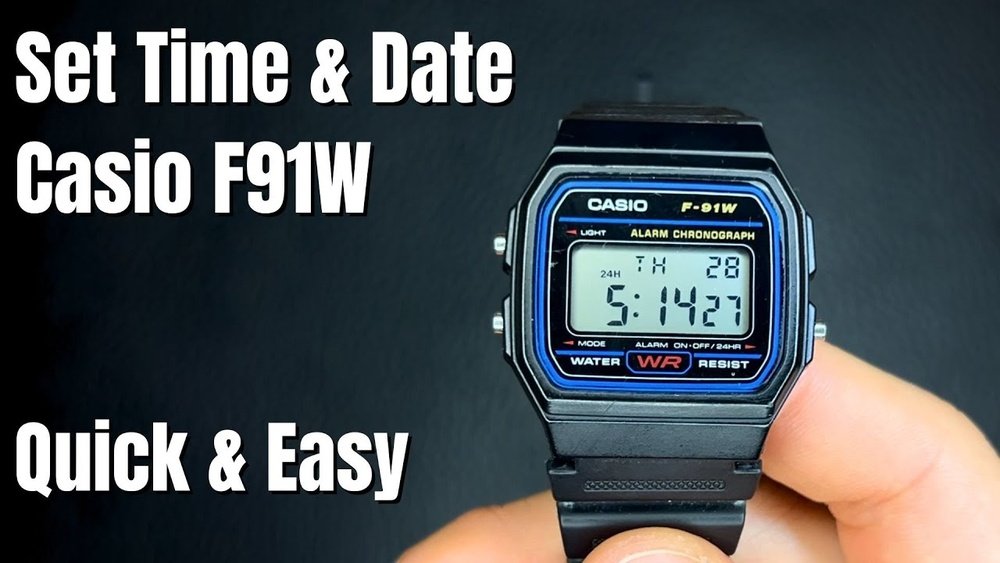
Are you struggling to change the time on your Casio F91W watch? You’re not alone.
This classic digital watch is popular for its simplicity and durability, but setting the time can feel tricky if you’re not sure what to do. Don’t worry—this guide will walk you through every step clearly and quickly. By the end, you’ll have your watch showing the exact time you want.
Keep reading to master your Casio F91W in just a few easy moves.
Credit: www.fondation-enovos.lu
Casio F91w Features
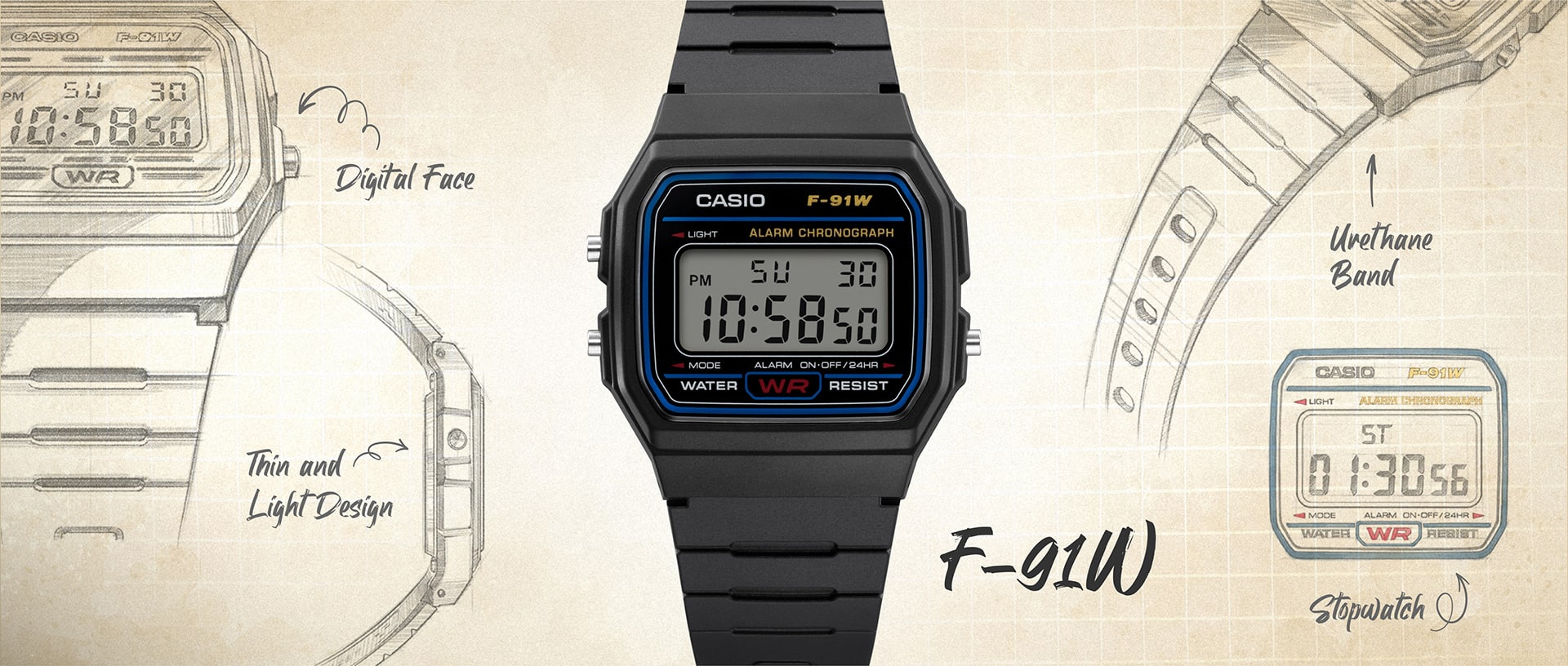
The Casio F91W has a clear digital display with three sections. The top shows the day of the week, the middle shows the time, and the bottom shows the seconds.
It has three main buttons: Light, Mode, and Start/Stop. The Light button brightens the screen in dark places. The Mode button switches between time, alarm, and stopwatch. The Start/Stop button helps start or stop the stopwatch and set the alarm.
The watch shows 12-hour or 24-hour time. It also has a daily alarm and a stopwatch that counts up to 59 minutes and 59 seconds.
Preparing To Set The Time
The Casio F91W watch has three main buttons on its sides. The left button is called “Light,” the bottom right button is “Start/Stop,” and the top right button is “Mode.” Each button helps you change settings or switch modes.
The watch has different modes: time display, alarm, and stopwatch. Use the Mode button to cycle through these modes. The time display mode shows the current time and date.
Step-by-step Time Setting
Press the bottom left button to enter the time setting mode. The seconds will start flashing. This means you can now change the time.
Press the bottom right button to reset the seconds to zero. This is useful if you want to start the watch exactly on the minute.
Press the top right button to move to the hour setting. The hour digits will flash. Use the bottom right button to increase the hour. Keep pressing to reach the correct hour.
Press the top right button again to move to the minute setting. The minute digits will flash. Use the bottom right button to increase the minutes. Set it to the current minute.
Press the bottom left button once more to save the settings and exit the time setting mode. The watch will stop flashing and show the updated time.
Credit: www.casio.com
Setting The Date And Day
Press the Mode button three times to enter the date setting mode. The seconds will start flashing, showing you are ready to change the time.
Press the Light button to switch between setting the seconds, hours, minutes, day, month, and year. When the day or date flashes, it means you can change it.
Use the Start/Stop button to increase the number. Keep pressing until you reach the correct day or date.
Press the Mode button to save and move to the next setting. Repeat these steps for each part of the date and day.
When finished, press the Mode button again to exit the setting mode. Your Casio F91W now shows the right day and date.
Tips For Accurate Timekeeping
Check your Casio F91W time often to keep it accurate. Set a reminder to compare your watch with a reliable clock every week. This helps catch small differences early. Adjust the time if you see it running fast or slow.
Battery health is key for correct timekeeping. Replace the battery every 2 to 3 years or when the display dims. A weak battery can make the watch lose time. Always use the right battery type for your Casio F91W.
Troubleshooting Common Issues
Buttons not responding on the Casio F91W watch may happen due to dirt or moisture. Clean around the buttons with a soft, dry cloth. Press each button firmly but gently to check if they work.
Watch reset can fix many issues. To reset, press and hold the top right button for about 5 seconds until the screen clears. The watch will restart and may work properly again.
If the watch still does not respond, remove the battery carefully. Wait a minute before putting it back. This can help reset the internal system.
Do not press buttons too hard. This can damage the watch. Use light but firm pressure.

Credit: www.youtube.com
Frequently Asked Questions
How Do I Set The Time On Casio F91w?
Press the bottom-left button to enter time setting mode. Use the top-right button to adjust hours, minutes, and seconds. Press the bottom-left button again to confirm and exit the setting mode.
Can I Change The Date On Casio F91w Watch?
Yes, enter the time setting mode by pressing the bottom-left button. Use the top-right button to adjust the date after setting the time. Press the bottom-left button to save changes and exit.
How To Switch Between 12-hour And 24-hour Formats?
In time setting mode, press the top-right button until the hour format blinks. Press the bottom-right button to toggle between 12-hour and 24-hour formats. Confirm by pressing the bottom-left button.
What Buttons Control The Casio F91w Time Adjustment?
The bottom-left button enters and exits the setting mode. The top-right button adjusts the values. The bottom-right button switches between settings during adjustment.
Conclusion
Changing the time on your Casio F91W is quick and simple. Just follow the steps carefully. Practice a few times to feel confident. This small skill helps keep your watch accurate. Enjoy using your watch every day without worry. Now, you can set the time anytime you need.
No need to ask for help anymore. Keep your Casio F91W running perfectly with ease.