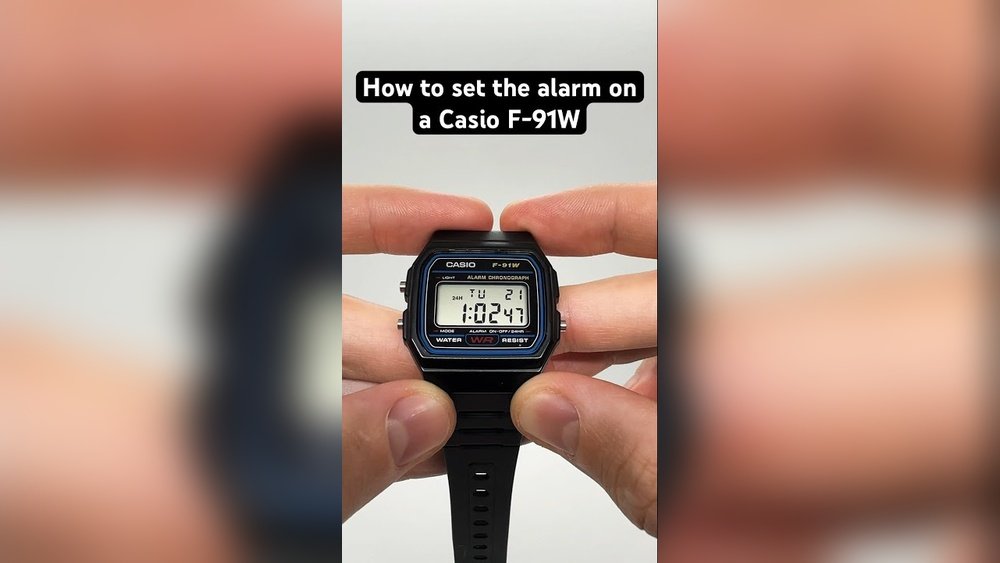
Setting an alarm on your Casio F91W watch is easier than you might think. If you’ve ever struggled with the tiny buttons or felt unsure about how to make your alarm work just right, this guide is for you.
You’ll learn simple, step-by-step instructions that anyone can follow. By the end, you’ll have your alarm set perfectly, so you never miss an important moment again. Keep reading to take full control of your Casio F91W and make your daily routine smoother.

Credit: www.bibliotecaoscura.com
Casio F91w Basics
The Casio F91W is a small, lightweight digital watch. It is known for its durability and long battery life. The watch shows time, date, and has a built-in alarm. It also features a stopwatch and an hourly time signal.
The watch has three main buttons:
- Light: Turns on the backlight to see the screen in the dark.
- Mode: Switches between time, alarm, and stopwatch modes.
- Start/Stop: Used to set the alarm or start/stop the stopwatch.
Understanding these buttons is key to using the alarm and other functions easily.

Credit: www.youtube.com
Accessing Alarm Mode
Press the bottom-left button to cycle through the watch modes. Keep pressing until the screen shows the alarm symbol, usually a small bell or “AL”. This is the alarm screen.
On the alarm screen, you can check the alarm time or start setting it. The watch has a simple display with hours, minutes, and sometimes seconds. The alarm screen looks different from the normal time screen because of the alarm icon.
Setting The Alarm Time
Press the bottom left button to enter the alarm mode. The screen will show “AL” for alarm.
Hold the top left button until the hour digits start blinking. This means the alarm hour can be set now.
Press the bottom right button to increase the hour. Keep pressing until the right hour shows.
Press the top left button again to move to the minutes setting. The minutes will blink.
Use the bottom right button to increase the minutes. Set the correct minute for your alarm.
Press the top left button once more to save the alarm time. The blinking will stop.
The alarm is now set and ready to alert you at the chosen time.
Activating And Deactivating Alarm
Press the Mode button until the alarm screen appears. Press the Light button to toggle the alarm on. A small bell icon will show on the screen. This means the alarm is active.
To turn the alarm off, press the Light button again. The bell icon will disappear. Now, the alarm will not sound at the set time.
For the hourly chime, press the Light button until the bell with sound waves icon appears. This means the watch will beep every hour on the hour.
Additional Tips For Alarm Use
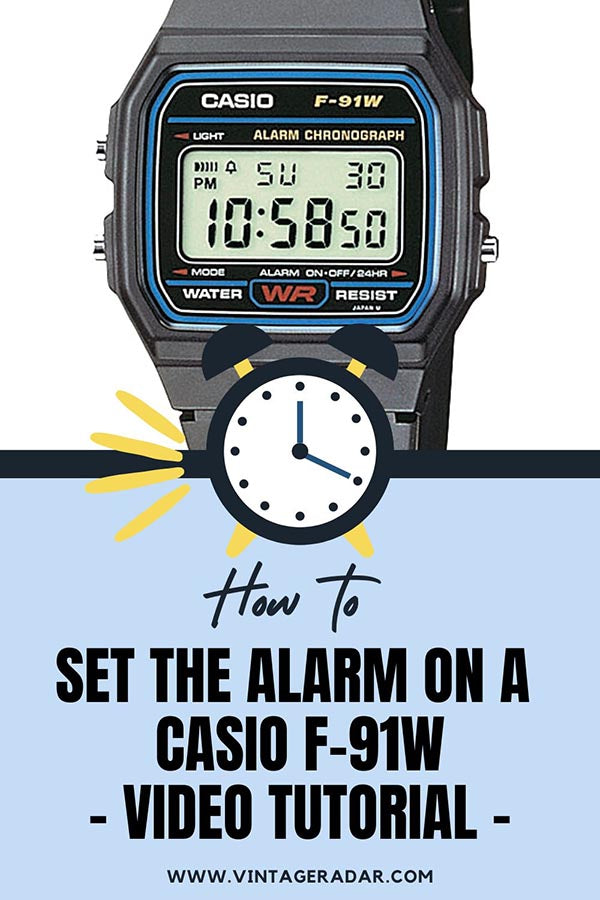
Check the alarm status by looking at the small bell icon on the screen. When the bell shows, the alarm is set to ring at the chosen time. You can toggle this icon by pressing the alarm button.
To reset the alarm, first turn it off by pressing the alarm button until the bell icon disappears. Then, press the mode button to enter the alarm setting. Use the light and start/stop buttons to change the hour and minutes. Press the mode button again to save the new time.
Battery life is important for the alarm to work properly. The Casio F91W uses a small button battery that lasts about 7 years. Replace the battery if the screen dims or the alarm stops ringing. Keep the watch away from strong magnets to avoid battery drain.
Credit: vintageradar.com
Frequently Asked Questions
How Do I Set The Alarm On Casio F91w?
Press the “Mode” button until the alarm screen appears. Use the “Light” and “Start/Stop” buttons to set hours and minutes. Press “Mode” again to confirm the alarm time.
Can I Set Multiple Alarms On Casio F91w?
No, the Casio F91W supports only one alarm setting at a time. You can enable or disable it as needed.
How To Turn Off The Alarm On Casio F91w?
Press the “Light” button while on the alarm screen to toggle the alarm on or off. A bell icon indicates the alarm is active.
Does Casio F91w Have A Snooze Feature For Alarms?
Yes, pressing the “Light” button when the alarm sounds activates a 5-minute snooze on the Casio F91W.
Conclusion
Setting the alarm on your Casio F91W is quick and simple. Just follow the steps carefully, and you’ll never miss important times. The watch’s clear buttons make it easy to use, even for beginners. Practice a few times, and setting alarms will become second nature.
This small feature can help you stay on track every day. Enjoy the convenience of a reliable alarm on your Casio F91W watch.