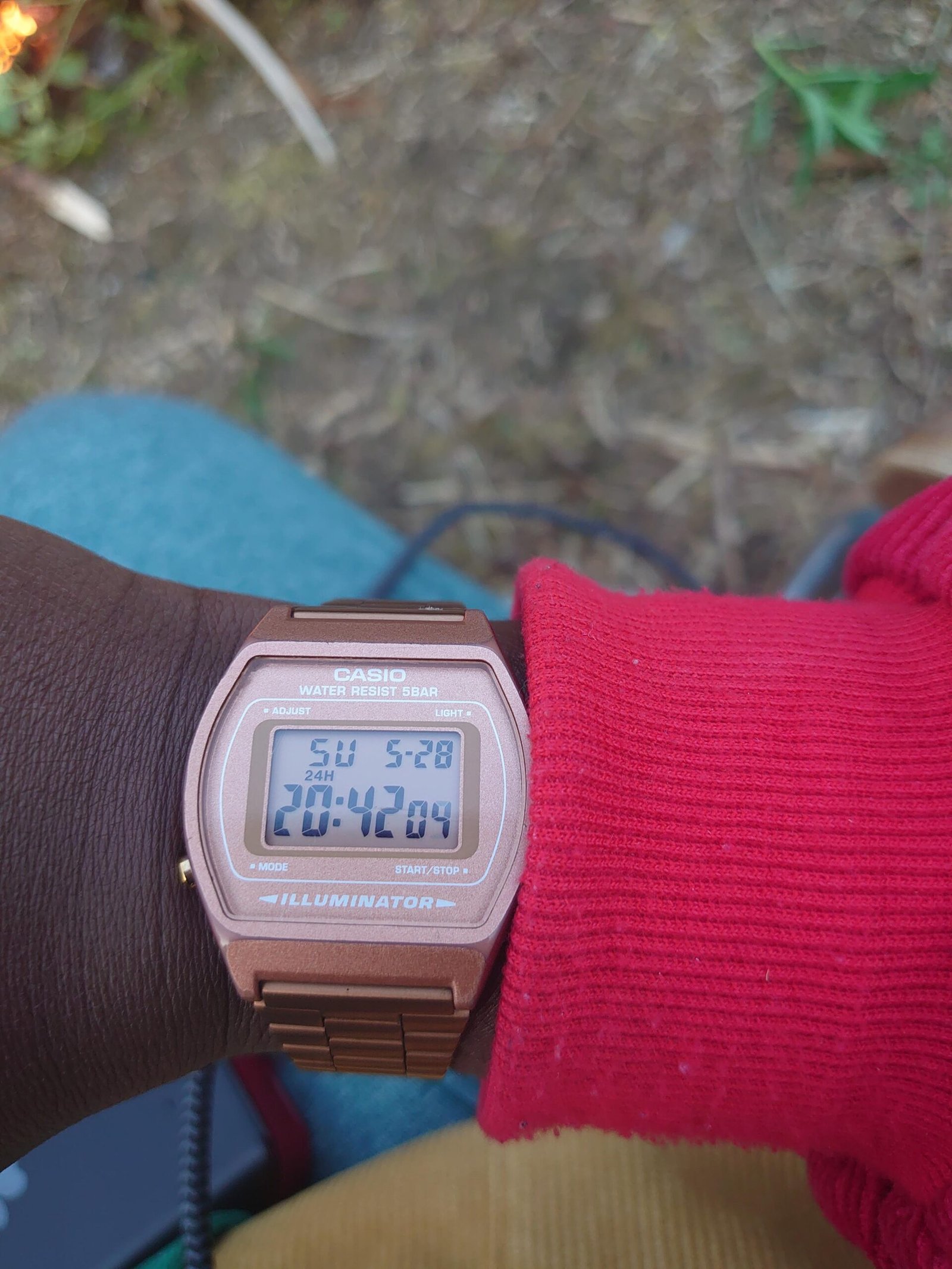
Is your Casio watch’s alarm going off at the most inconvenient times? You’re not alone.
Sometimes, that constant beeping can get really annoying, especially if you don’t need the alarm anymore. But don’t worry—turning off the alarm on your Casio watch is easier than you might think. Whether you want to silence a single alarm or stop all the hourly beeps, this guide will walk you through simple, step-by-step instructions that anyone can follow.
Keep reading to regain control over your watch and enjoy peace and quiet whenever you want.
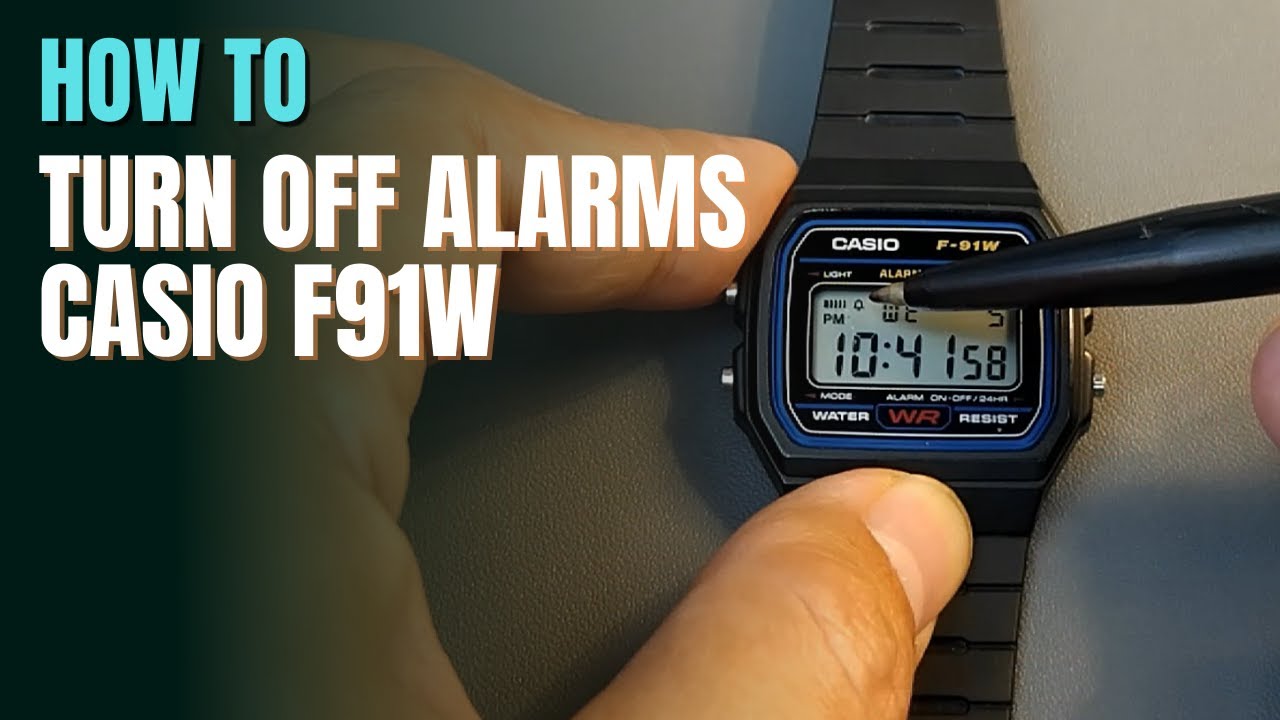
Credit: www.youtube.com
Access Alarm Mode
Find the Mode button on your Casio watch. It is usually on the lower left side.
Press the Mode button repeatedly to cycle through different settings. Keep pressing until the Alarm mode appears on the screen.
In Alarm mode, you can see the alarm time and the alarm status. This is the place to turn the alarm off or on.
Credit: support.casio.com
Identify Alarm Settings
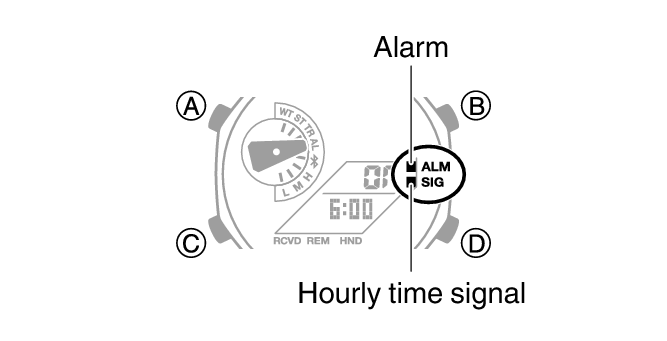
Look for small icons on the watch screen. A bell symbol means the alarm is set. A sound wave icon shows the hourly chime is active. These symbols help you know which alarms are on.
Press the Mode button to enter the alarm settings. Check if the bell or chime icon appears. If yes, the alarm or hourly chime is active.
To turn off the hourly chime, find the button that controls sound. Press it once while in alarm mode. The sound wave icon should disappear. This means the chime is off.
Remember, the alarm and hourly chime have separate controls. Make sure to check both if you want silence.
Turn Off Alarm
Press the Mode button on your Casio watch until the alarm screen appears. Use the button on the right to toggle the alarm setting. Each press will switch the alarm between on and off. Look for the alarm icon on the screen to confirm if it is active.
To fully deactivate the alarm, ensure the alarm icon disappears. If there is an hourly beep, you can turn it off the same way. Press the button until the hourly signal icon is gone. This confirms the alarm and beep sounds are both off.
Disable Hourly Beep
Start by pressing the Mode button until you see the Hourly Signal screen. This screen usually shows a bell or sound icon. Look for the option that controls the hourly beep. Use the Adjust or Set button to toggle this beep off. The beep icon should disappear once it is disabled.
Make sure to confirm your changes by pressing the Mode button again. This saves the setting and exits the menu. The watch will stop beeping at every hour.
Manage Multiple Alarms
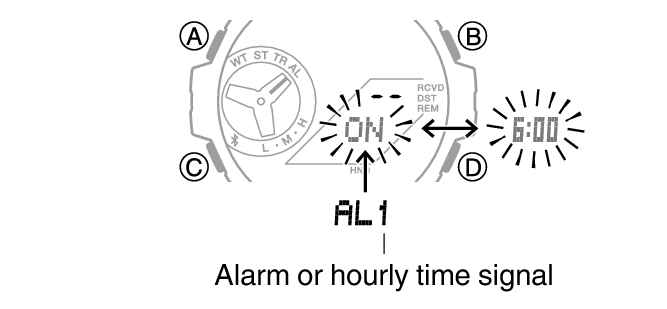
Press the mode button to enter the alarm settings. Use the cycle button to move through each alarm one by one. Each alarm will show on the display as you cycle through them. Watch for the alarm number or icon to confirm which alarm is active.
To deactivate a specific alarm, stop when the alarm you want is on screen. Then, press the toggle button to switch it off. The alarm icon will disappear from the screen once it is off. Repeat for any other alarms you want to turn off.
Credit: support.casio.com
Alternative Methods
Hold the Start button for a few seconds to stop the alarm. This works on many Casio watch models. Pressing and holding this button often silences the alarm quickly.
Using the Adjust or Light buttons can also help turn off the alarm. Sometimes a quick press on either button will stop the sound. Try pressing these buttons if the Start button does not work.
Check your watch’s mode to make sure you are in the alarm setting. Then use the buttons to switch the alarm off or on. This method is simple and effective for many Casio watches.
Troubleshooting Tips
If the alarm still shows after trying to turn it off, a reset may help. Resetting clears all settings and stops the alarm.
Press and hold the adjust button until the numbers flash. This means the watch is ready to reset. Then press the mode button to cycle through settings.
Keep pressing the mode button until the alarm time appears. Press the button that turns the alarm off. After that, press the adjust button again to save changes.
Resetting solves many issues like alarms that won’t turn off or show wrongly. If problems continue, check the manual for your specific Casio model.
Frequently Asked Questions
How Do I Turn My Casio Alarm Off?
Press the Mode button until Alarm Mode appears. Then, press the Light or Start/Stop button to toggle the alarm off. The alarm icon will disappear, indicating it’s off. Press Mode again to return to the main screen.
How Do You Stop A Casio Watch From Beeping?
Press the Mode button until the alarm screen appears. Then, press the Light or Start/Stop button to toggle off the alarm and hourly beep. The alarm icon will disappear, indicating the beeping has stopped.
How Do I Turn Off All Alarms Or Timers On My Casio Watch?
Press the Mode button until Alarm Mode appears. Use the Light or Start/Stop button to toggle off all alarms and hourly signals. The alarm icon will disappear, confirming all alarms and timers are off. Press Mode again to return to the main screen.
How Do I Turn On The Alarm On My Casio Watch?
Press the Mode button to enter Alarm Mode. Use the Forward/Search button to select an alarm. Press Adjust or Light button to turn it on. Exit by pressing Mode. The alarm icon will show when activated.
Conclusion
Turning off the alarm on your Casio watch is simple and quick. Just use the Mode button to find the alarm setting. Then press the right-side button to switch the alarm off. Watch for the bell icon disappearing to know it’s off.
This keeps your watch silent when you want peace. Now, you control your Casio alarm with ease. No more unwanted beeps disturbing your day. Enjoy the quiet and use your watch just how you like.