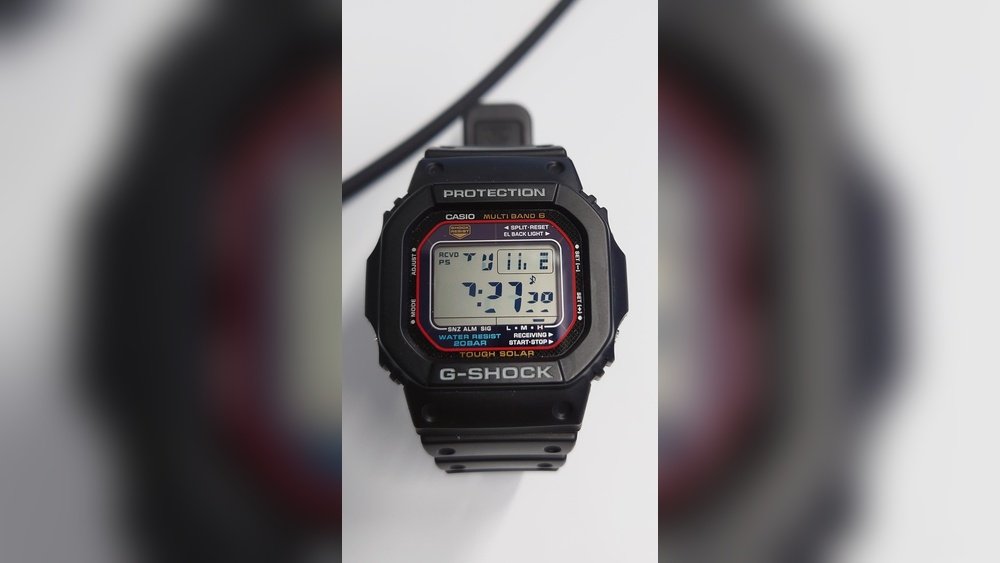
Is your Casio watch display acting up or showing nothing at all? It can be frustrating when your reliable timepiece suddenly stops working the way it should.
But don’t worry—you don’t have to rush out to buy a new watch just yet. In this guide, you’ll discover simple, effective steps to fix your Casio watch display on your own. Whether it’s a dim screen, missing numbers, or a completely blank display, you’ll learn what might be causing the problem and how to get it back to perfect working order.
Keep reading, and take control of your watch repair today!
Common Display Issues
Blank screen often means the watch battery is dead or loose. Check the battery first. Tighten or replace it if needed. Sometimes, the display ribbon cable inside may be disconnected. Gently press the display cable to fix it.
Flickering display can happen if the battery voltage is low. Replace the battery with a fresh one. Dirt or moisture inside the watch can also cause flickering. Clean the inside carefully and dry it well.
Partial display shows only some numbers or icons. This may be due to damaged LCD segments. Test the watch by pressing buttons to see if the display changes. If not, the screen might need professional repair or replacement.
Dim or faded screen usually means the contrast is set too low. Adjust the contrast using the watch’s button sequence found in the manual. Low battery power can also cause dimness, so check the battery condition.

Credit: www.reddit.com
Basic Troubleshooting Steps
Resetting the watch can fix many display issues. Press and hold the reset button for a few seconds. This clears minor glitches. If the watch has no reset button, try removing the battery briefly, then put it back.
Checking the battery is important. A weak or dead battery causes the display to go blank or fade. Replace the battery with the correct type. Use a small screwdriver to open the back carefully. Avoid touching the new battery with bare hands to keep it clean.
Adjusting display settings helps if the screen looks dim or unclear. Use the mode or adjust buttons to change brightness or contrast. Some Casio watches have a light button to brighten the display. Read the manual for the right steps for your model.
Battery Replacement Guide
Tools needed include a small screwdriver, tweezers, and a replacement battery. Make sure the battery matches your Casio model.
Start by gently removing the back cover using the screwdriver. Be careful not to scratch or damage the watch.
Use tweezers to take out the old battery carefully. Avoid touching other parts inside the watch.
Place the new battery in the same position as the old one. Ensure it fits snugly and the positive side faces up.
Once the battery is in place, put the back cover back on and tighten the screws securely. Test the watch to confirm the display works properly.

Credit: www.youtube.com
Fixing Display Connections
Start by carefully removing the watch back cover. Locate the ribbon cable inside, which connects the display to the main board. Check for any signs of damage, like tears or bends. A damaged cable can cause display issues.
Sometimes the ribbon cable can become loose. Gently lift the connector latch and re-seat the cable firmly into place. Make sure it is aligned correctly before closing the latch.
Next, inspect the internal connectors for dust or dirt. Use a soft brush or compressed air to clean them. Loose or dirty connectors can block signals and cause the display to fail.
Carefully press each connector back into its socket. Avoid using too much force to prevent damage. After re-seating, test the watch display to see if the problem is fixed.
Dealing With Water Damage
Signs of moisture inside your Casio watch display include foggy glass, dim or blurry numbers, and the display not working correctly. You might also notice water droplets under the glass or rust on the metal parts. These signs show that water has entered the watch and affected the display.
Drying techniques work best if you act fast. Remove the watch strap if possible. Use a soft cloth to wipe the outside gently. Place the watch in a bowl of uncooked rice or silica gel packets for 24 to 48 hours. These absorb moisture inside the watch. Avoid using a hairdryer as heat can damage the watch further.
Seek professional help if drying does not fix the display. Persistent fog or malfunction means internal damage. A watch repair expert can open the watch, clean parts, and replace damaged components. Trying to fix it yourself without tools may cause more harm.
When To Contact Casio Support
Warranty can cover many display issues on Casio watches. Before trying repairs, check if your watch is still under warranty. Avoid opening the watch yourself, as this can void the warranty. Use only authorized repair centers for service. These centers have trained staff and genuine parts. They ensure the watch gets fixed correctly and safely. Contact Casio support to find the nearest authorized center. Keep your purchase receipt handy to prove warranty status. Repairs outside warranty might cost more but are safer at authorized centers. Remember, using unauthorized services can cause more damage or void future support.
Preventing Future Display Problems
Proper care can help keep your Casio watch display clear and working well. Change the battery regularly. A weak battery can cause the display to fade or stop. Avoid letting the battery run out completely.
Keep the watch away from extreme heat or cold. High temperatures can damage the screen. Cold can make the display slow or unclear. Also, avoid dropping or hitting the watch hard.
Store the watch in a dry place. Moisture can harm the display and internal parts. Wipe the screen gently with a soft cloth to keep it clean.

Credit: gshock.casio.com
Frequently Asked Questions
How Do I Reset My Casio Watch Display?
To reset your Casio watch display, press and hold the “Adjust” button until the digits blink. Use the “Mode” and “Light” buttons to set the correct time and date. Press “Adjust” again to confirm and exit reset mode.
Why Is My Casio Watch Display Blank?
A blank Casio watch display often means the battery is dead or improperly installed. Replace the battery with a compatible one. If the problem persists, check for internal damage or consult a professional watch technician.
How To Fix A Dim Casio Watch Display?
If your Casio watch display is dim, adjust the contrast settings using the “Mode” and “Adjust” buttons. If that doesn’t help, the battery might be low and needs replacement to restore brightness.
Can Water Damage Affect Casio Watch Display?
Yes, water damage can cause display malfunctions in Casio watches. If your watch isn’t water-resistant, moisture may seep inside and damage the LCD. Dry the watch immediately and seek professional repair to prevent permanent damage.
Conclusion
Fixing your Casio watch display can be simple and quick. Start by checking the battery and cleaning the screen. Small issues often cause display problems. Follow the steps carefully to avoid damage. If problems continue, seek professional help. Taking care of your watch keeps it working longer.
Now, you can enjoy a clear and bright display again. Keep your watch in good shape with regular checks. Your Casio watch deserves proper care and attention.