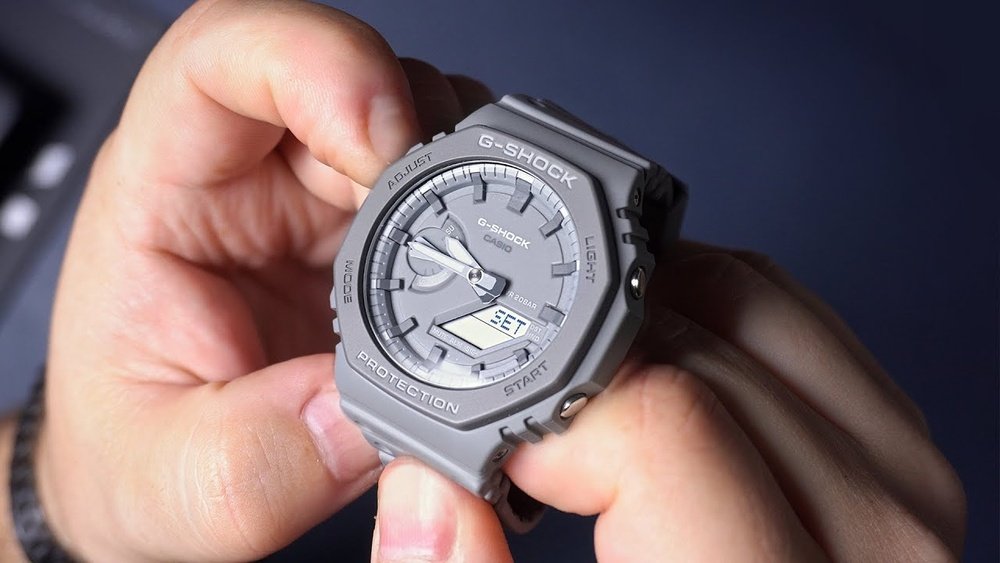
Setting the time on your Casio GA2100 might seem tricky at first, but it doesn’t have to be. If you’ve been struggling to get your watch to show the right time, you’re not alone—and you’re in the right place.
In this guide, you’ll learn the exact steps to set your Casio GA2100 quickly and easily, so you can stop guessing and start enjoying your watch the way it’s meant to be. Keep reading, and by the end, you’ll have full control over your watch’s time settings without any hassle.
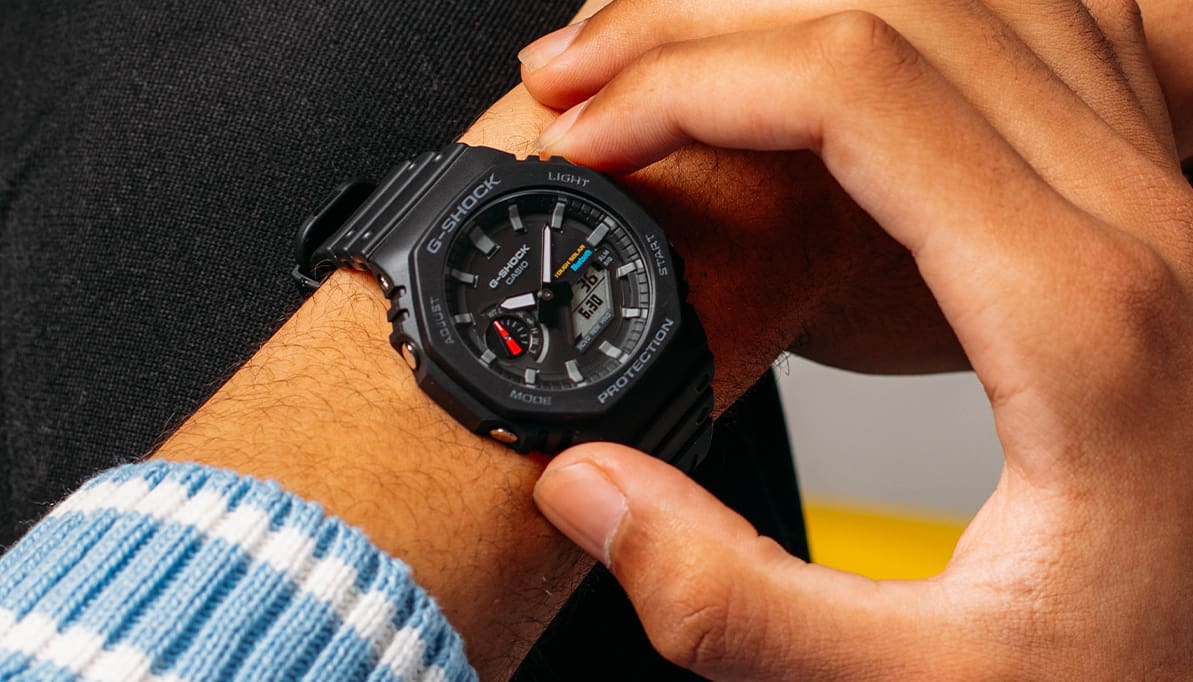
Credit: gshock.casio.com
Casio Ga2100 Features
The Casio GA2100 has a sleek, slim design with a clear display. Its octagonal shape makes it stand out from other watches. The digital and analog display work well together to show time clearly.
The watch offers several timekeeping functions. It shows the current time, date, and day of the week. You can also set alarms and use a stopwatch. These features help you keep track of your daily schedule easily.
| Button | Function |
|---|---|
| Adjust | Enter settings mode to change time or date |
| Mode | Switch between time, alarm, stopwatch, and timer |
| Light | Turn on the backlight for easy reading in dark |
| Start/Stop | Control stopwatch and timer functions |
Preparation Steps
Before setting the time on a Casio GA2100, gather some basic tools. A small flathead screwdriver or a toothpick may help press buttons in tight spots. A clean, flat surface to work on is useful to avoid losing small parts. Good lighting is important to see the watch buttons clearly.
Understanding watch modes is key. The GA2100 has several modes like Timekeeping, Stopwatch, and Alarm. Use the lower-left button to switch modes. The time can only be set in the Timekeeping mode. Make sure the watch is in this mode before adjusting the time.
Setting The Time Manually
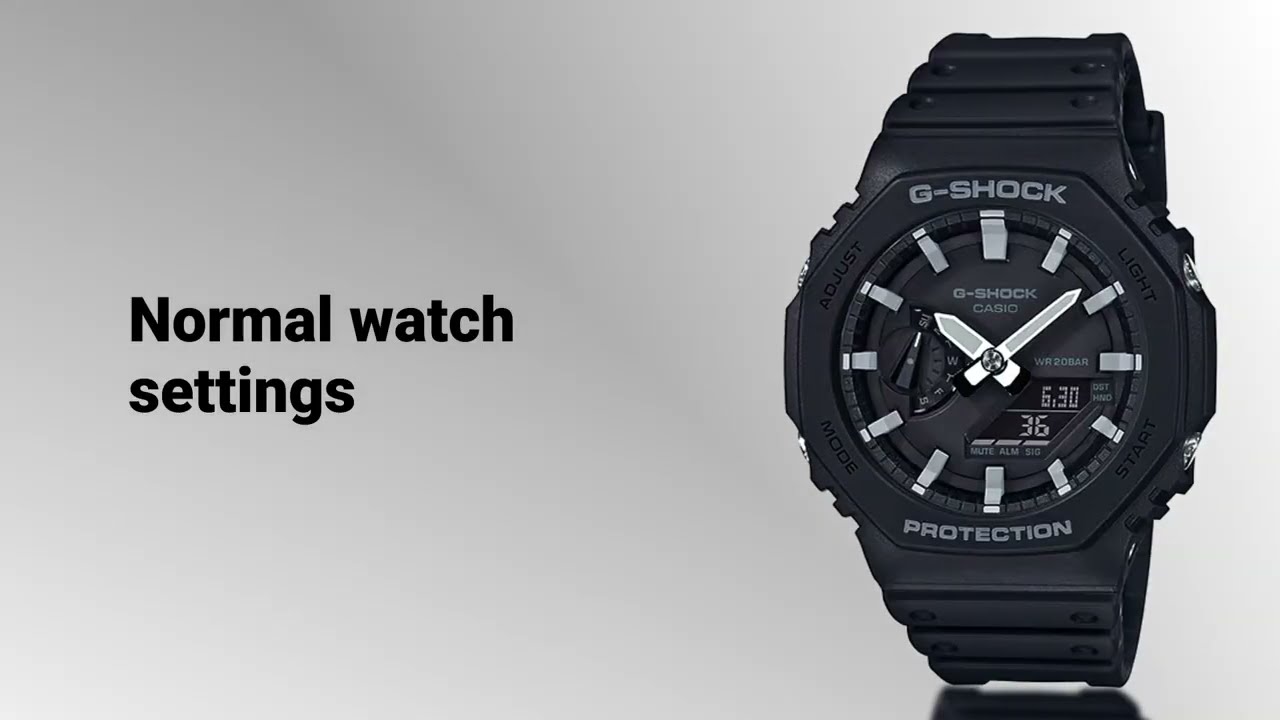
Press and hold the Adjust button until the seconds start flashing. This means the watch is in time setting mode. Use the Mode button to move between seconds, hours, minutes, year, month, and day.
Press the Forward button to increase the flashing number. Press the Reverse button to decrease it. Adjust the hours and minutes carefully to match the current time.
Set the seconds by pressing the Forward or Reverse buttons when they flash. Reset seconds to zero for accuracy. Use the Mode button to move on to the date. Change the year, month, and day the same way you set the time.
Credit: www.youtube.com
Using Auto Time Sync
Auto Time Correction keeps your Casio GA2100’s time accurate. It syncs the watch with the atomic clock signals. This means the time updates automatically every day.
To enable this feature, press and hold the Adjust button until the numbers blink. Then, press the Mode button to find the auto time sync setting. Use the Forward button to turn it on.
The watch will now receive signals to adjust time. These signals come from atomic clocks in certain regions. Sync happens usually at night when signals are strongest.
| Step | Action |
|---|---|
| 1 | Hold Adjust button until digits blink |
| 2 | Press Mode button to find Auto Time Sync |
| 3 | Press Forward button to enable sync |
| 4 | Watch syncs daily with atomic clock |
Troubleshooting Tips
Sometimes the watch stops responding or shows the wrong time. This can happen if buttons get stuck or the battery is low. A quick fix is to reset the watch.
To reset, press and hold the adjust button for about 5 seconds. The screen will flash, showing the reset is done. This clears any errors and lets you set the time again.
If the watch still acts strange, try removing the battery for a few minutes. Put it back in and reset the time. This often solves common issues with the Casio GA2100.
Maintenance For Accurate Time
Battery care is key for keeping your Casio GA2100 accurate. Replace the battery every 2 to 3 years to avoid time loss. Use only high-quality batteries to ensure long life. Avoid leaving the watch unused for long periods, as this can drain the battery.
Regular updates help maintain precise time. Check the watch settings monthly. Reset the time if you notice any drift. Keep the watch away from strong magnets and extreme temperatures. These can affect time accuracy and damage the watch.

Credit: www.reddit.com
Frequently Asked Questions
How Do I Set The Time On Casio Ga2100?
Press and hold the adjust button until the seconds blink. Use the mode button to select hour or minute. Use the forward button to change values. Press adjust again to save settings.
Can I Set 12-hour Or 24-hour Format On Ga2100?
Yes, press the mode button to reach the 12/24-hour setting. Use the forward button to toggle between formats. Press adjust to confirm your choice.
How To Fix Incorrect Date On Casio Ga2100?
Enter time setting mode by holding adjust. Use mode to select the date fields (year, month, day). Adjust each with forward button. Press adjust to save.
Is There A Quick Way To Reset Ga2100 Time?
No quick reset exists. You must manually adjust time using adjust, mode, and forward buttons as described.
Conclusion
Setting the time on your Casio GA2100 is quick and easy. Follow each step carefully for accurate results. Practice a couple of times to feel confident. This watch combines style with practical features. Knowing how to set the time keeps it useful every day.
Take a moment to check the time now and then. Your Casio GA2100 will serve you well with the right settings. Simple steps lead to smooth time adjustments. Enjoy your watch with the correct time always showing.